What the skill actually does
You drop your clips. You type /video-edit. Here's what happens next.
Then you watch it and give notes. Each round re-renders in about two minutes.
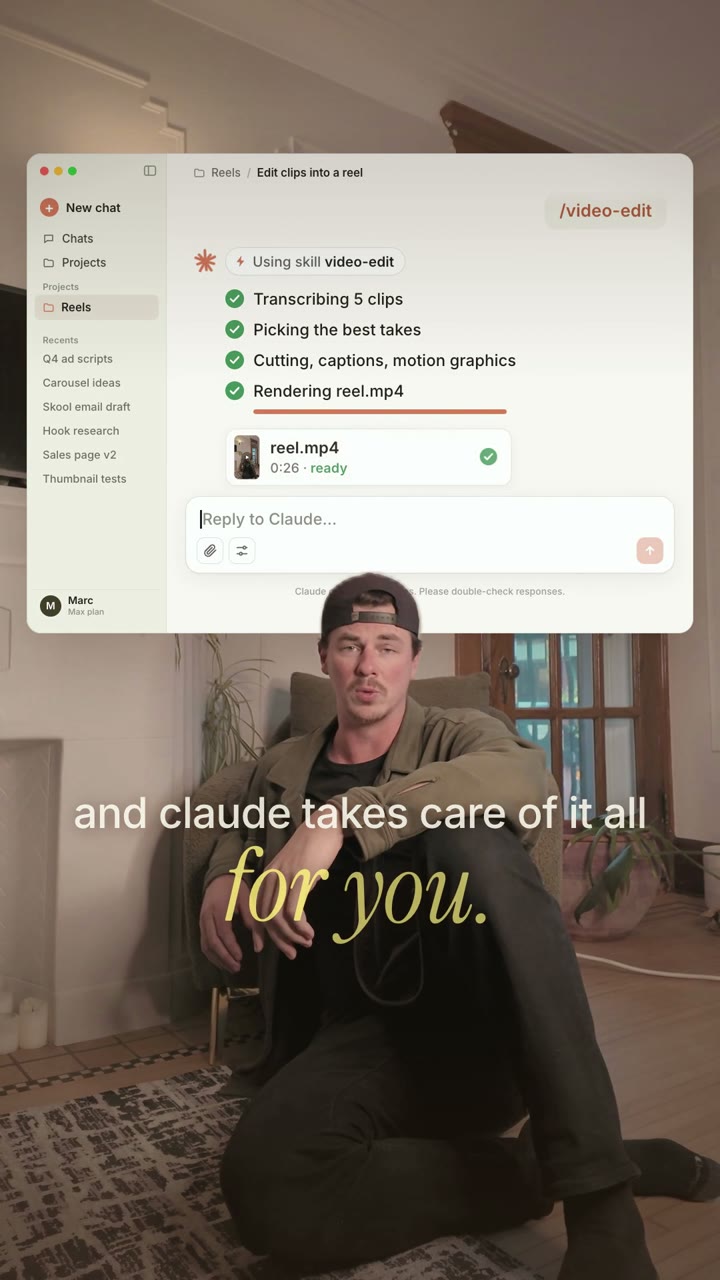
That Claude window behind me in the reel? The skill built that too. It's an animated insert a sub-agent made while the main edit was rendering.
Pick your look
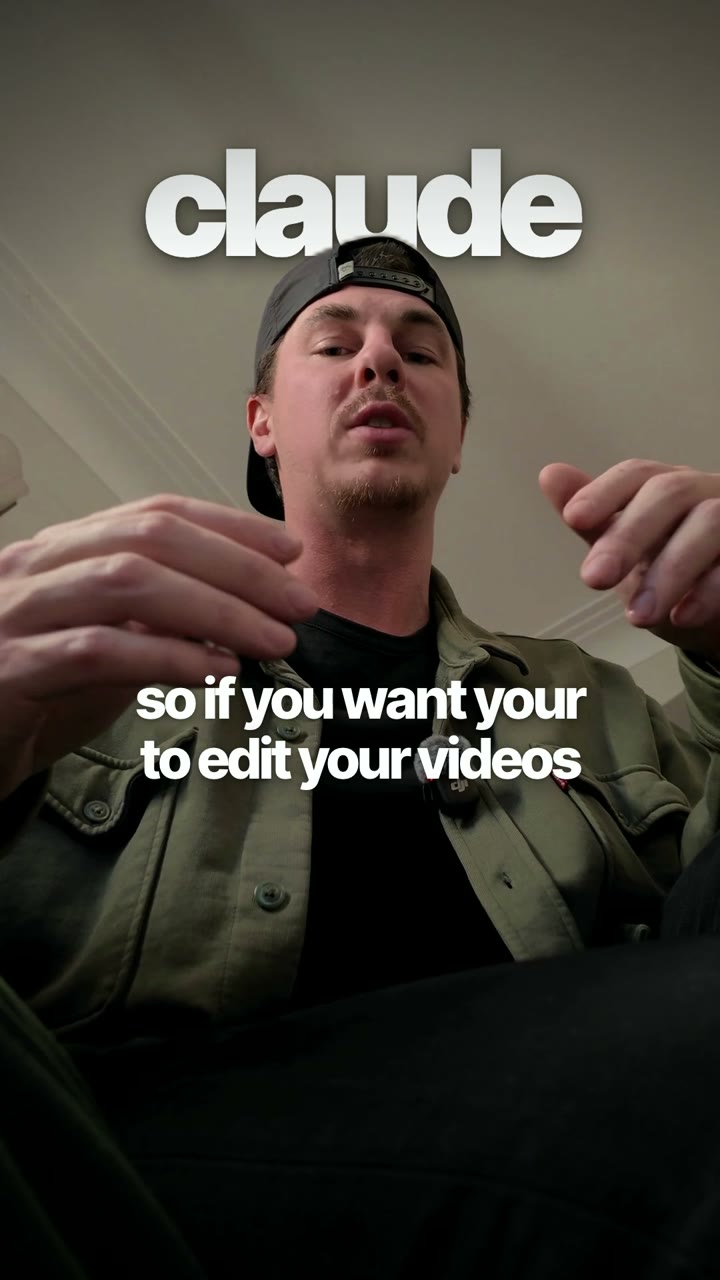
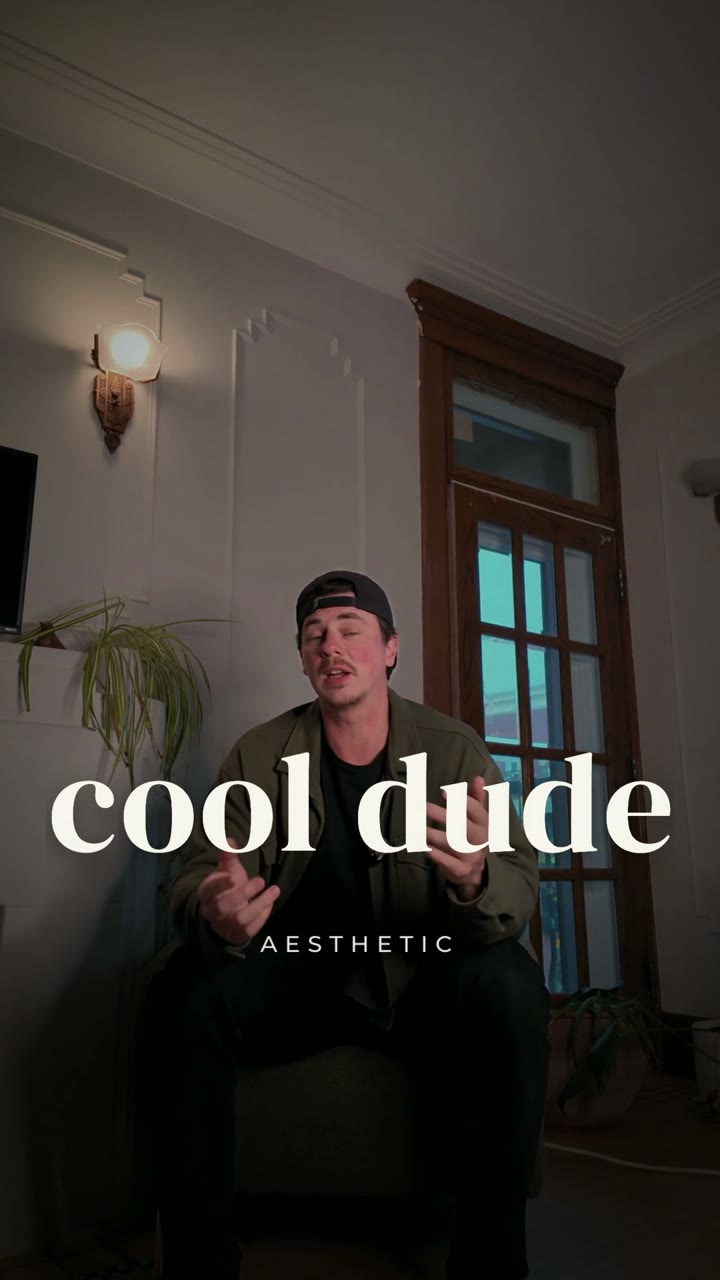
Three looks are built in. You pick a default when you set it up, and you can switch looks per section just by saying it in your script. In my reel, the line "you can get the cool girl aesthetic" switched that section to cool girl. Same for cool dude.
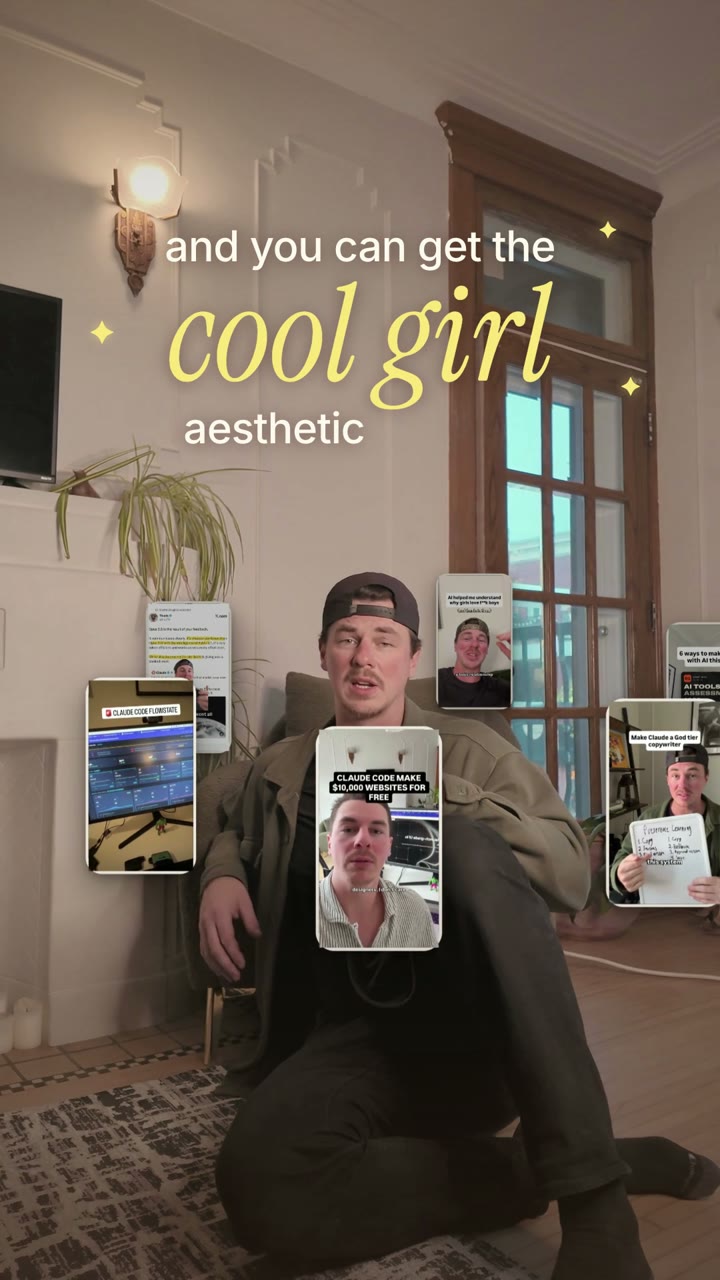
Where do the orbiting reels come from? The skill can pull them from your Instagram automatically (that's what the optional Apify connection is for), or you just drop your reel files into the project folder.
What you need
Straight up: this one has more moving parts than a normal skill, because it actually renders video on your computer.
- A Mac or Linux computer. Apple Silicon Macs are fastest for the background cutout.
- Claude Code, installed and working.
- ffmpeg, Node.js 22 or newer, and Python 3.10 or newer.
- Optional: a free Apify account to pull your reels and profile stats automatically.
Don't panic about that list. On your first run the skill checks every tool, tells you the exact fix for anything that's missing, and sets up the rest itself. About 2 minutes, one time.
How to install it
No coding needed.
Step 1. Open Claude Code (the Code tab in the Claude desktop app, or claude in your terminal).
Step 2. Copy-paste this into the chat and hit Enter:
Claude downloads the skill and tells you when it's ready. Takes a few seconds.
Step 3. Type /video-edit and hit Enter.
The first time, it asks your name, your Instagram handle, your favorite look, and where your clips usually land (your Downloads folder by default). Then it checks your tools and sets everything up. Just follow the prompts.
Prefer the terminal?
Open Terminal (Mac: Command + Space, type Terminal). This is one line, copy the whole thing and hit Enter:
Then type claude to open Claude Code, and type /video-edit to get started.
Already have it? Paste this into Claude to grab the latest version:
How to film your clips
The edit is only as good as what you feed it. Four rules.
- Shoot vertical, in 4K if your phone allows. The punch-ins are cropped from your original files. 4K means they stay sharp.
- Keep the camera still for each setup. Want a new angle? Set up a new shot and start a new clip.
- Repeat a line until it lands.Messed up? Don't stop recording. Just say it again. I said some of the lines in this reel over and over, and none of the flubs made the cut. The skill picks the best take.
- Name the look in your script.Say "you can get the cool girl aesthetic like this" and that section switches to cool girl. Or just tell it which look goes where when you run it.
Run it and give notes
Drop your clips in your Downloads folder (or wherever you told it during setup) and type:
Want a different look per section? Say it:
Then watch the phone copy and talk to it like you'd talk to an editor:
It fixes exactly that and re-renders in about two minutes. Every version gets saved, so you can always go back.
What it does without you asking
A few rules are baked in, so you don't have to babysit it.
- It never covers your face with text or cards.
- It fixes the transcript.In my raw clips it heard "Claude" as "cloud" and "claws." Your captions say what you actually said.
- It credits other creators on screen with their @handle whenever their reels show up.
- It never touches your originals. Your clips get read, never modified or deleted.
- Sound effects stay subtle. Never louder than your voice.
You don't need to learn an editing app. You need a phone and a well-written skill. Go film something.